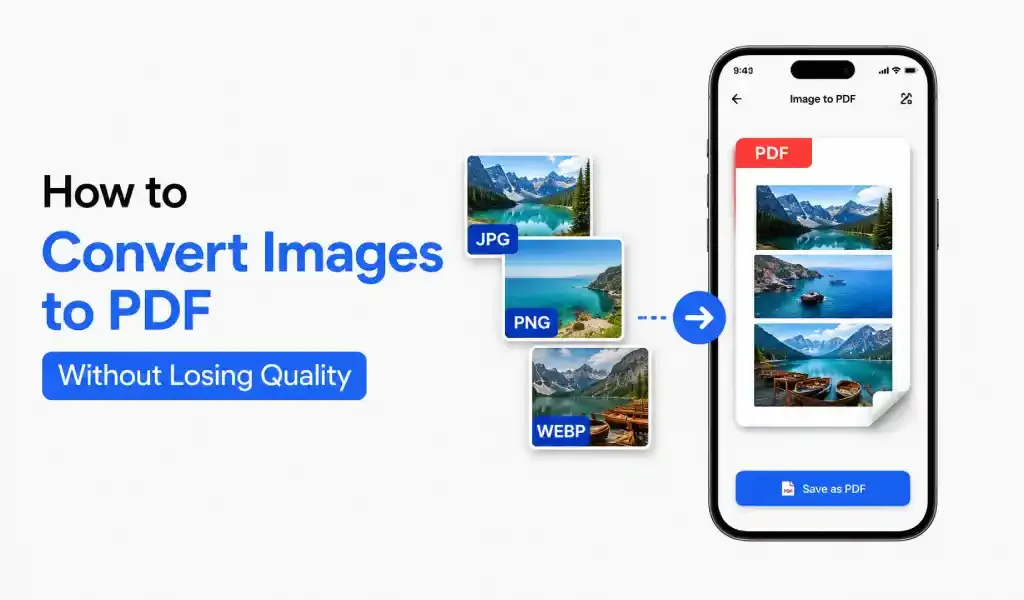
How to Convert Images to PDF Without Losing Quality
You can convert images to PDF without losing quality by using a high-quality PDF converter, keeping original resolution, and avoiding compression.
July 20, 2026
Tips, setup guides, and troubleshooting to help you get the best experience.
You can convert images to PDF without losing quality by using a high-quality PDF converter, keeping original resolution, and avoiding compression.
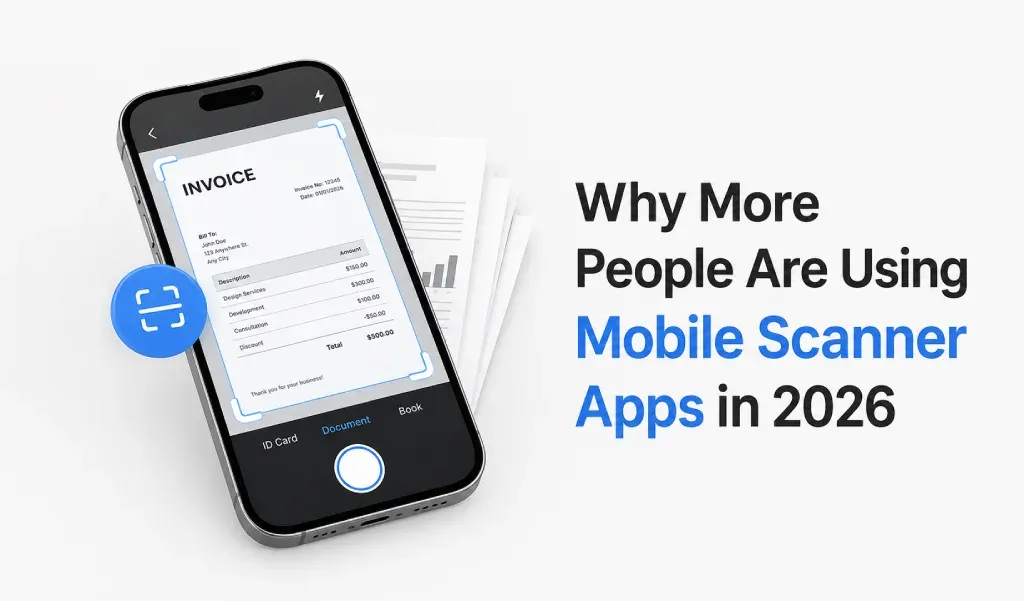
Mobile scanner apps are no longer optional tools. In 2026, they are becoming part of daily life.
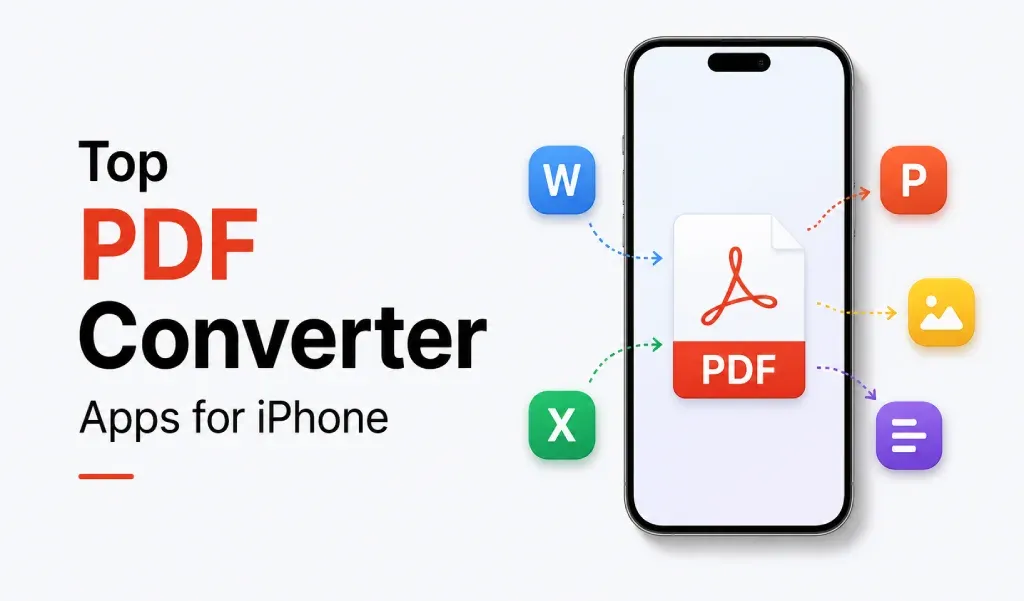
The best PDF converter for iPhone depends on your needs. Some apps focus on scanning. Others focus on conversion.
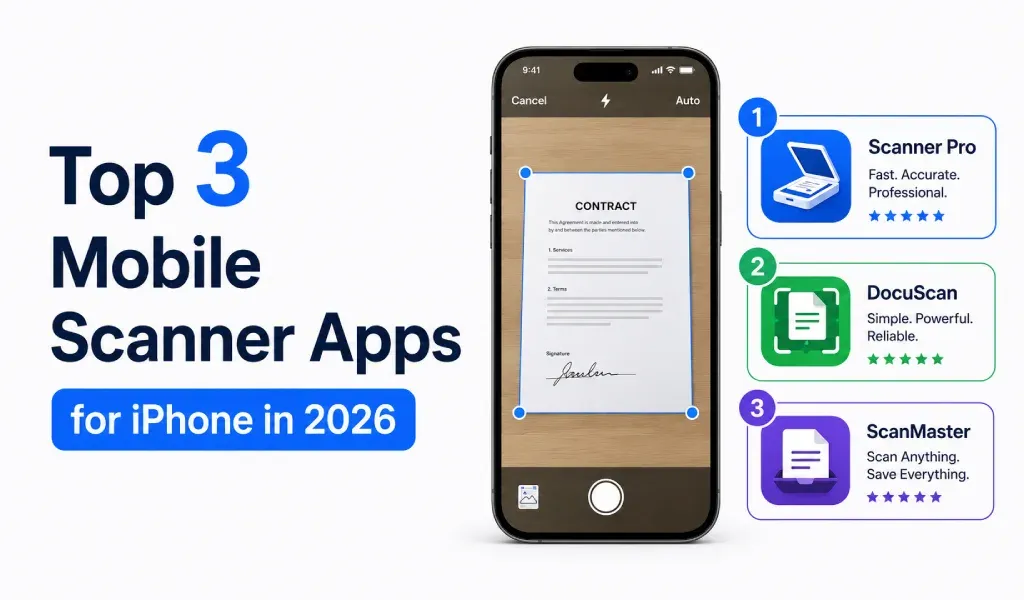
Discover the top 3 mobile scanner apps for iPhone in 2026. Compare features, PDF conversion, OCR, and document management to choose the best app for scanning, converting, and sharing files efficiently.
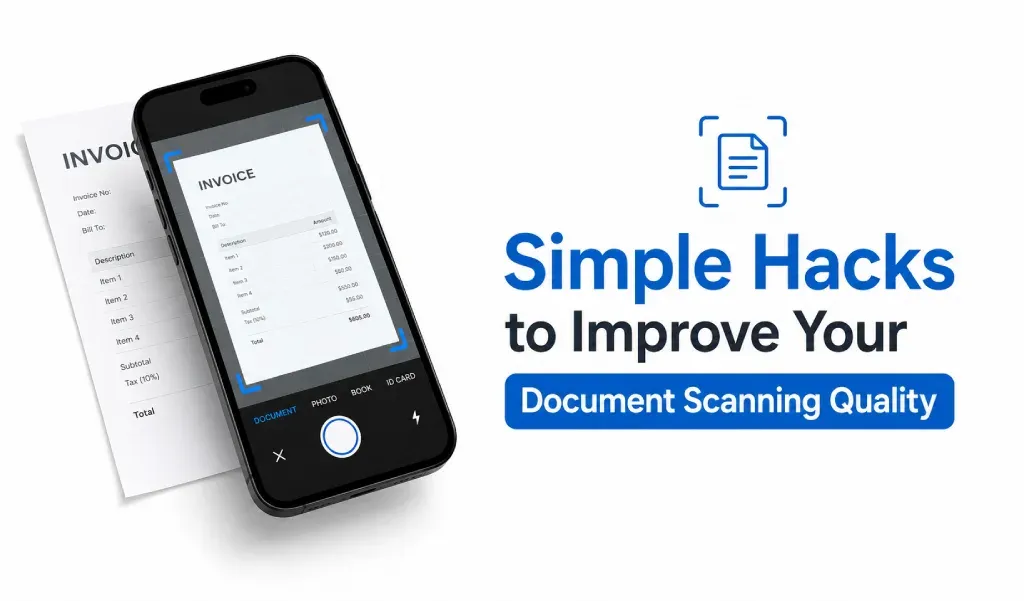
Learn simple techniques to scan documents professionally in no time.
knowing how to convert JPG to PDF can save you time and make your life simpler.
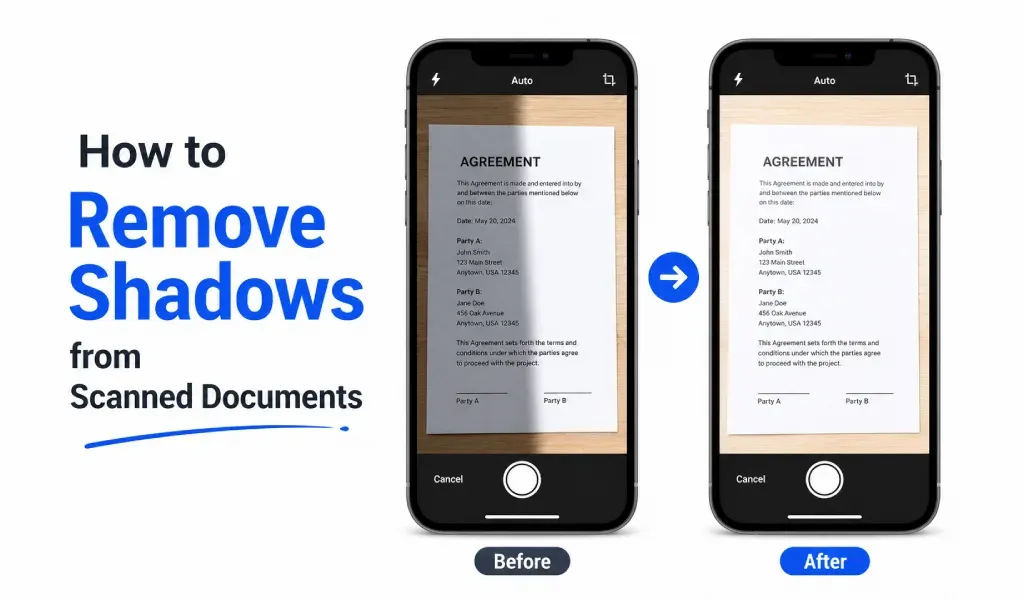
Learn how to remove shadows from scanned documents and create clean, readable PDF files using simple lighting, camera, and scanner app tips.
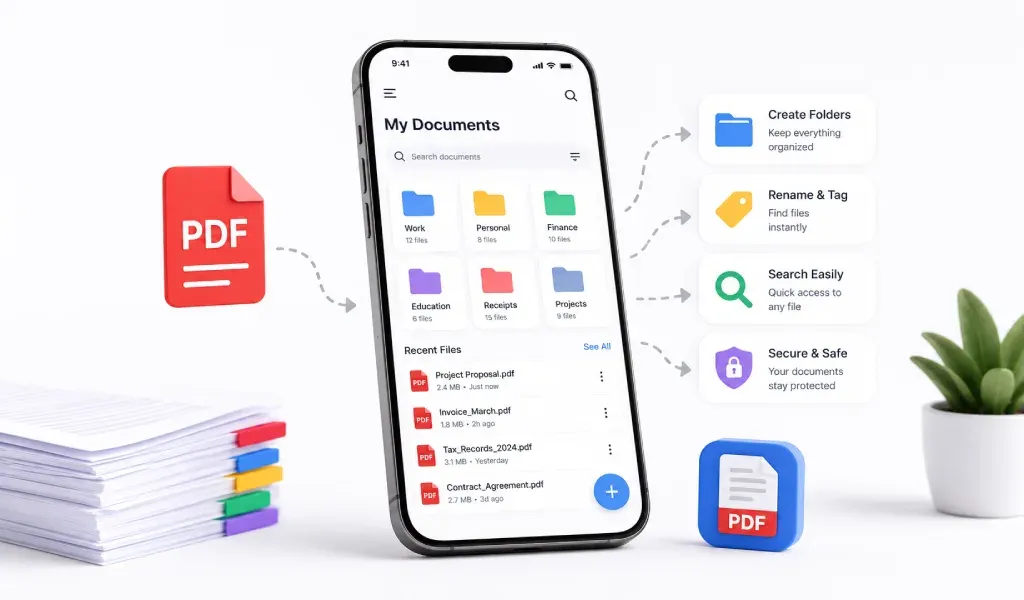
PDF is one of the easiest ways to keep your documents clean, organized, and easy to access. And with a good PDF scanner and converter app, you can manage everything directly from your phone.
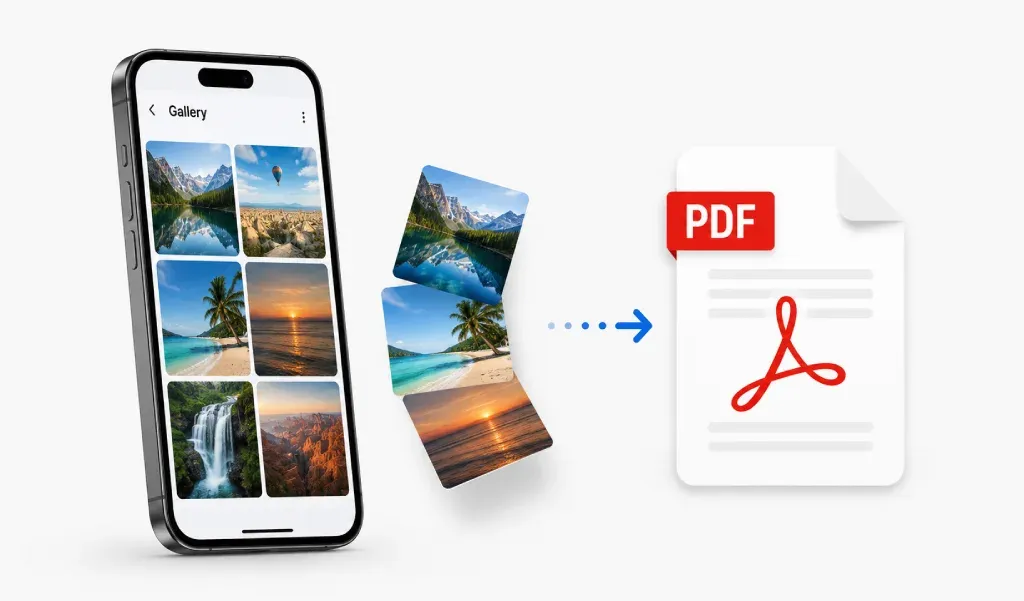
To convert images to PDF on mobile without losing quality, start with clear images, use high-quality export settings, avoid heavy compression and crop each image before saving.