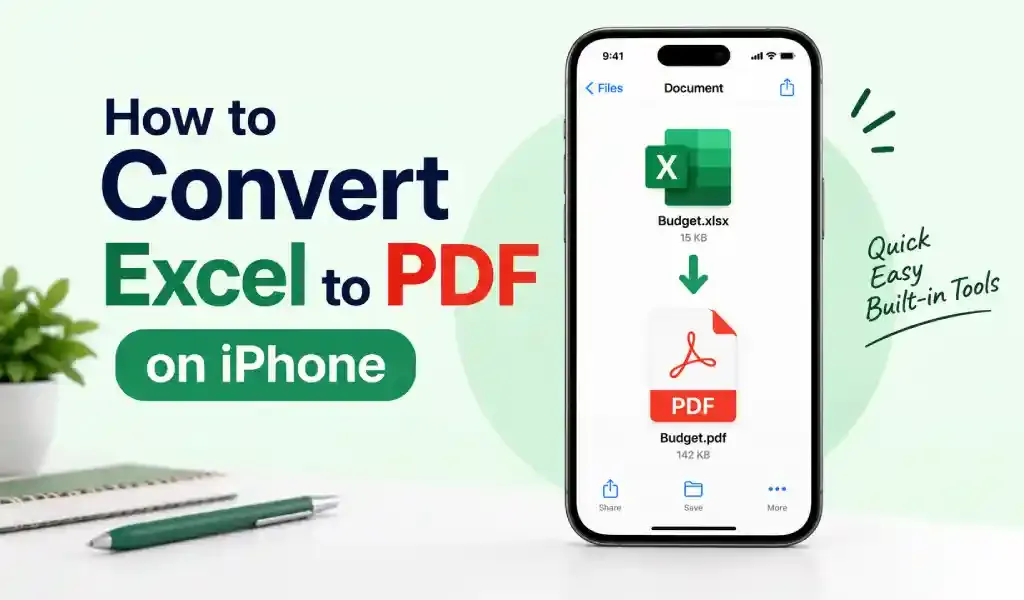
How to Convert Excel to PDF on iPhone
How to convert Excel to PDF on iPhone in 2026, including why wide spreadsheets get cut off and the Google Sheets settings that fix it when the Excel app can't.
September 15, 2026
PDF Converter HEIC to PDF is a free iOS PDF scanner, document scanner, and file converter app for students, professionals, and daily users. Scan documents, convert HEIC, JPG, PNG, Word, photos, and images to PDF, create clean PDF files, and manage documents easily.
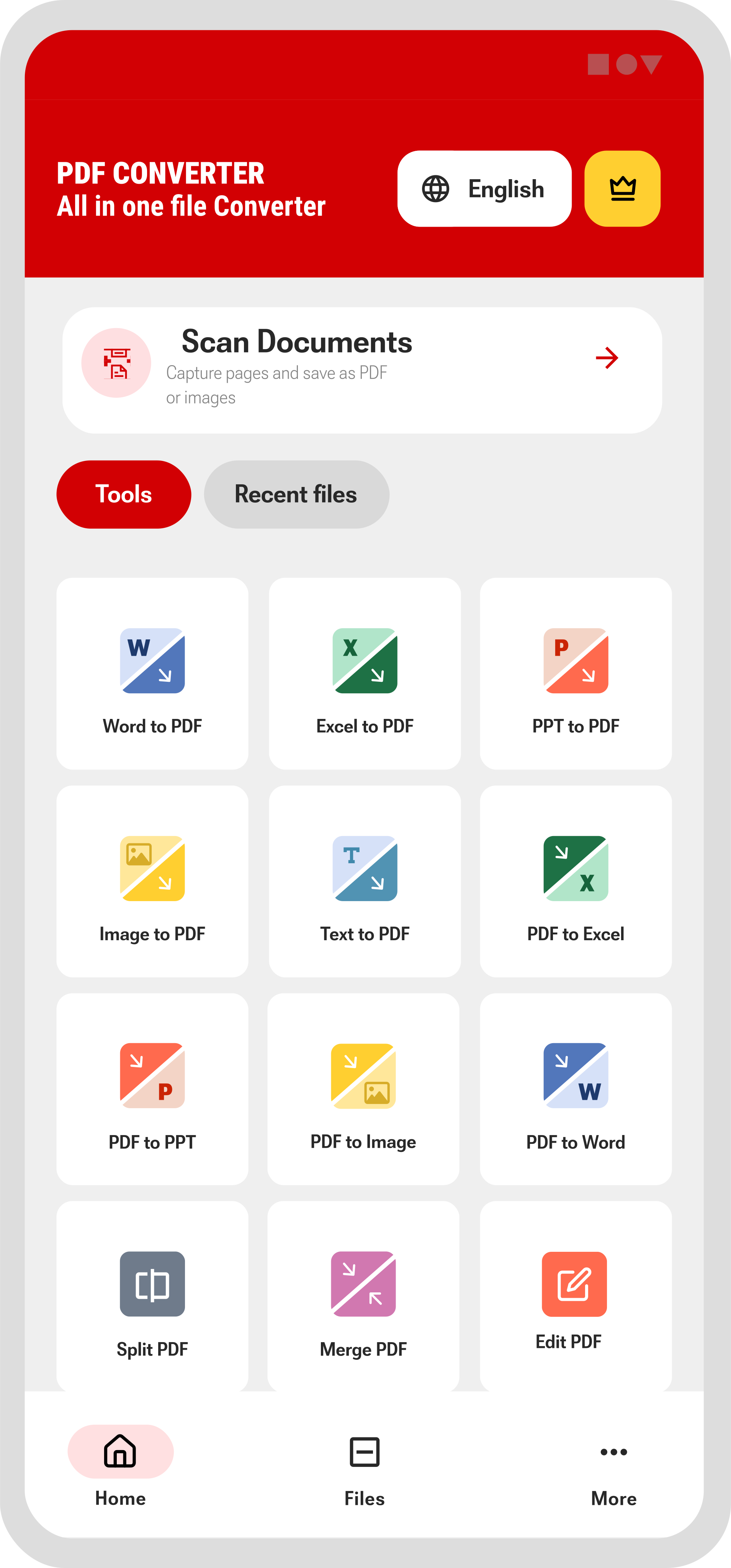
Use phone camera to scan documents instantly.
Convert iPhone HEIC photos into PDF in seconds.
Convert word files to pdf easily.
Convert pdf to editable word files in a tap.
Turn JPG, PNG, and photos into professional PDF files.
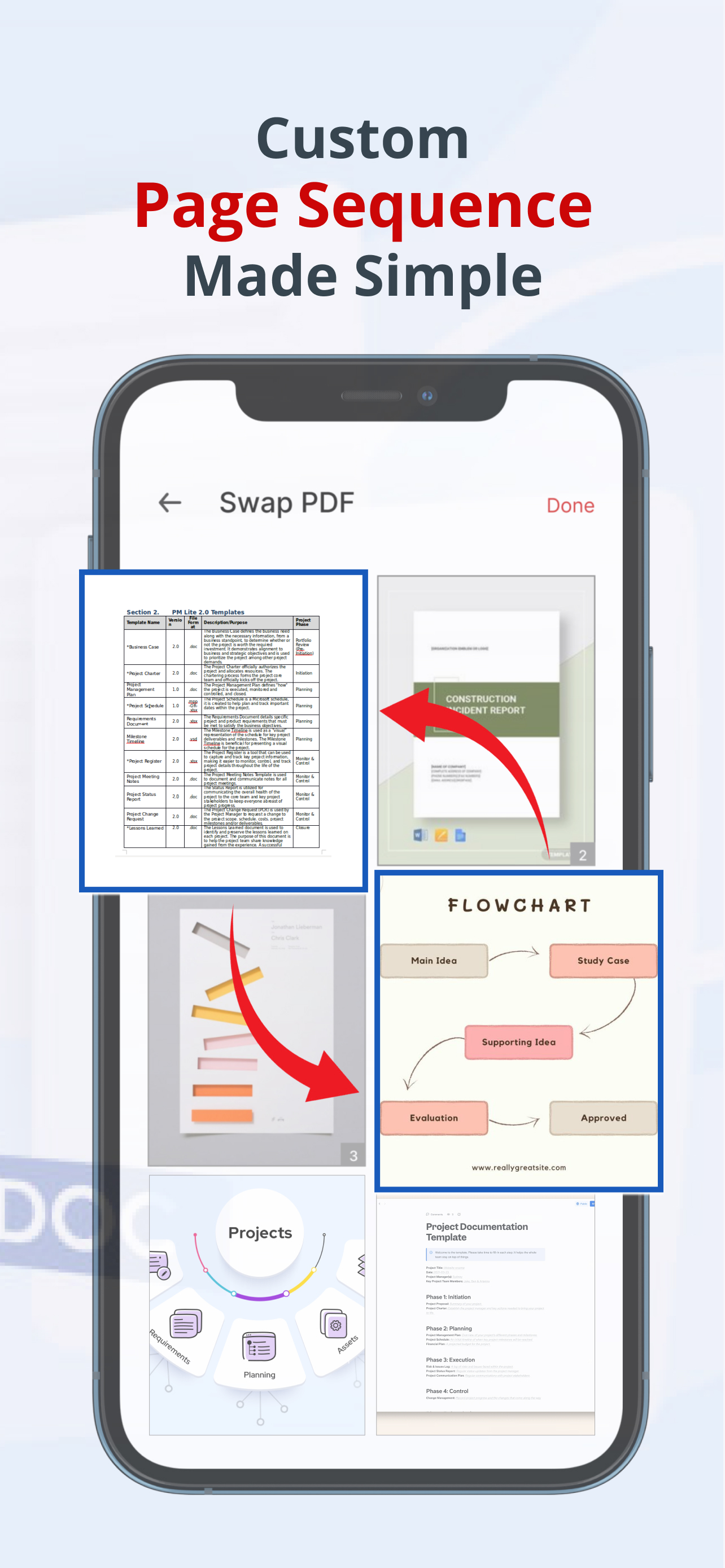
Merge and split pdf's without hassle.
Scan multiple pages and merge them into one PDF file.
Get clean, readable PDFs perfect for sharing or printing.
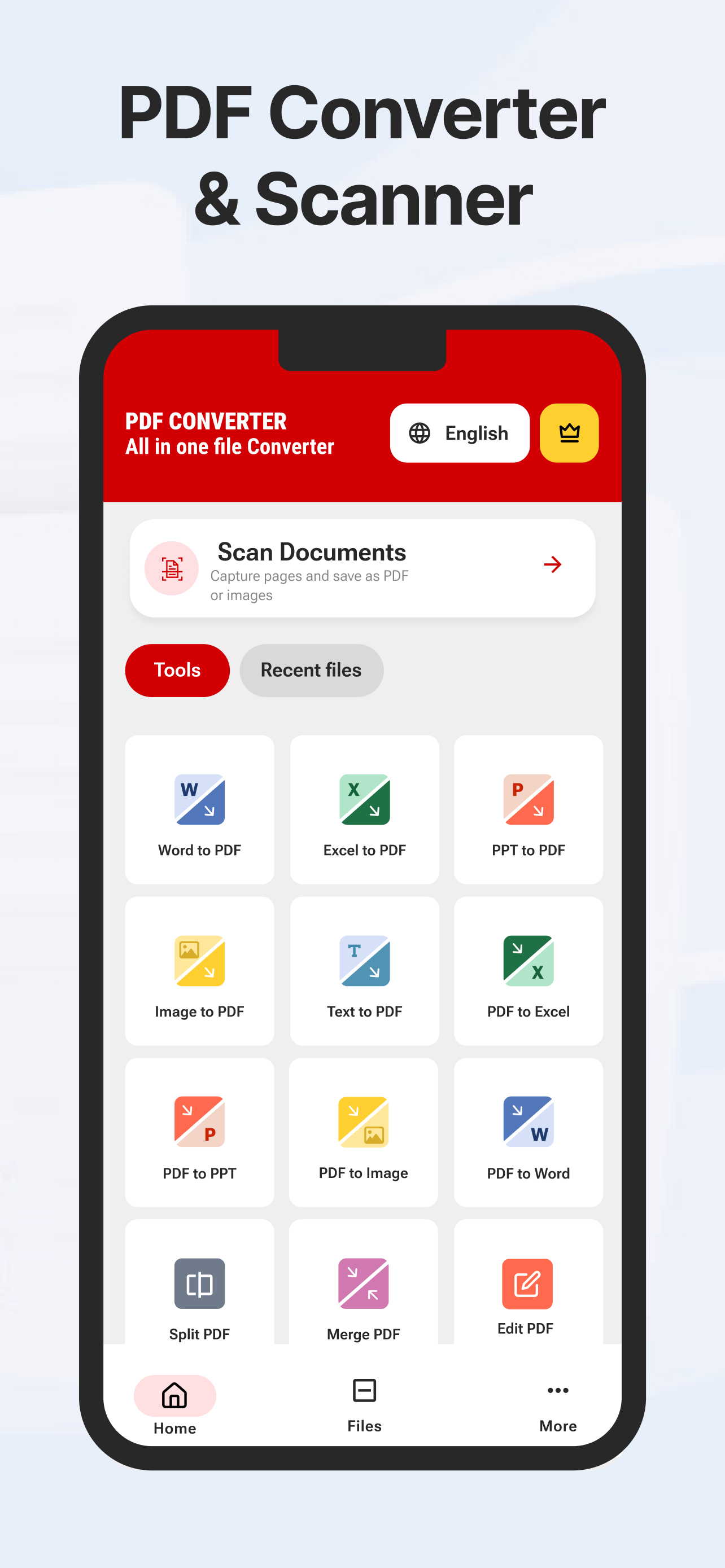
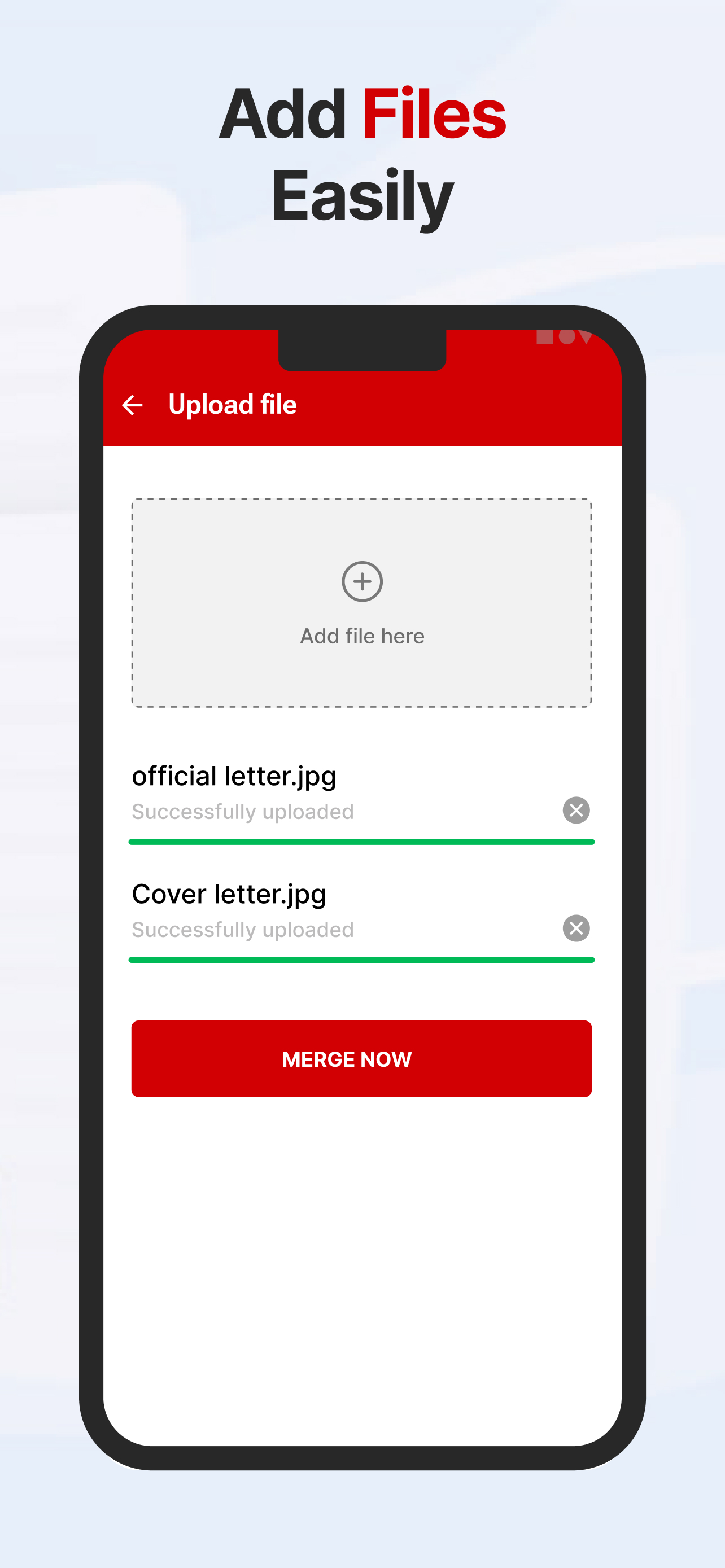
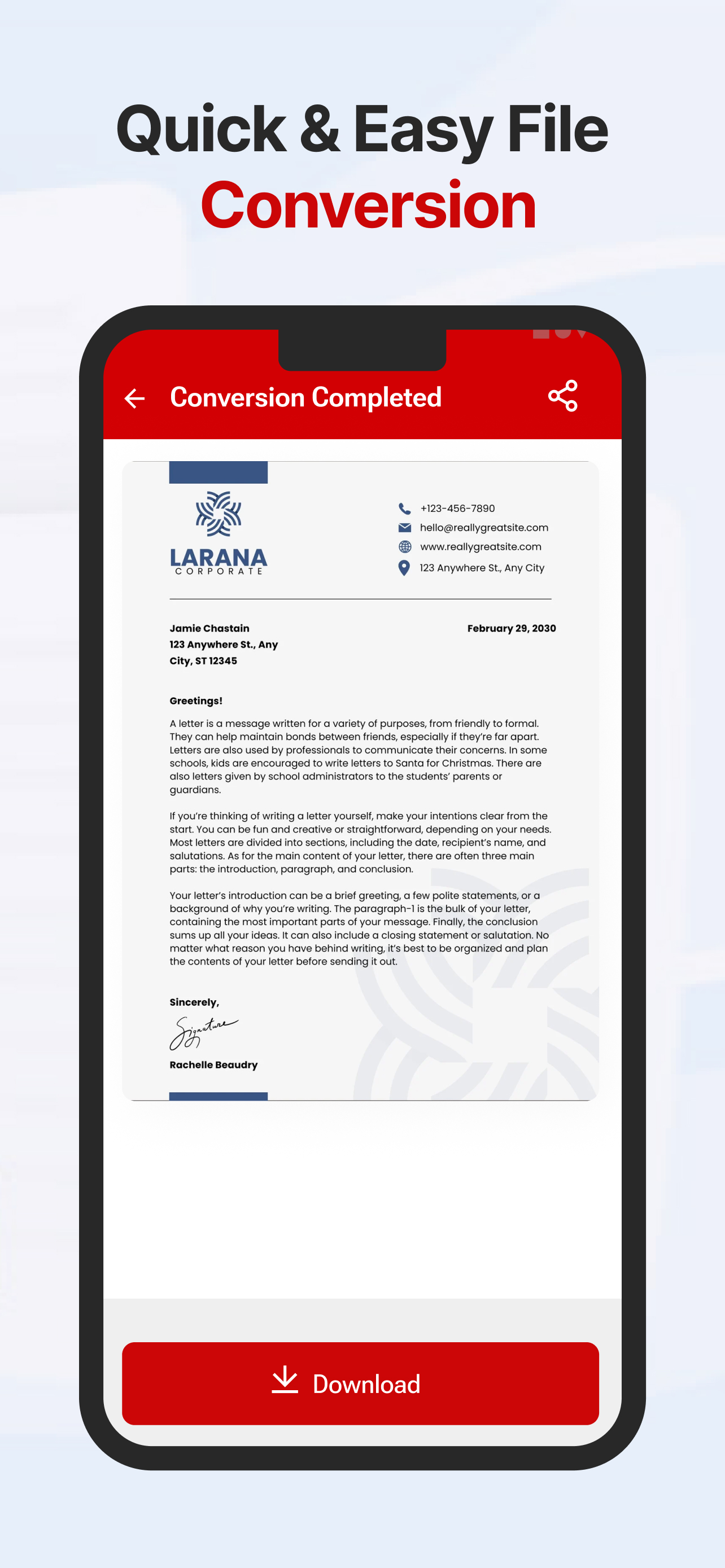
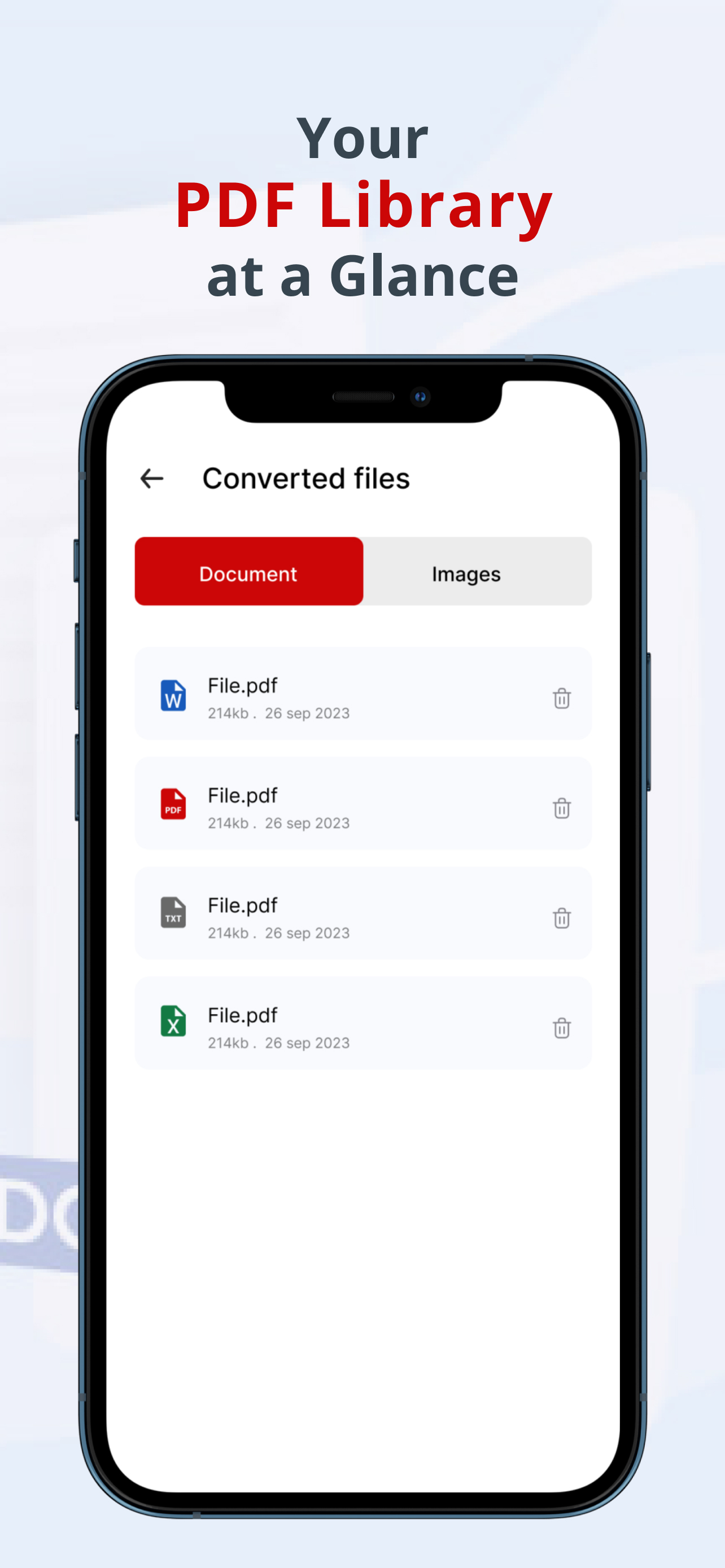
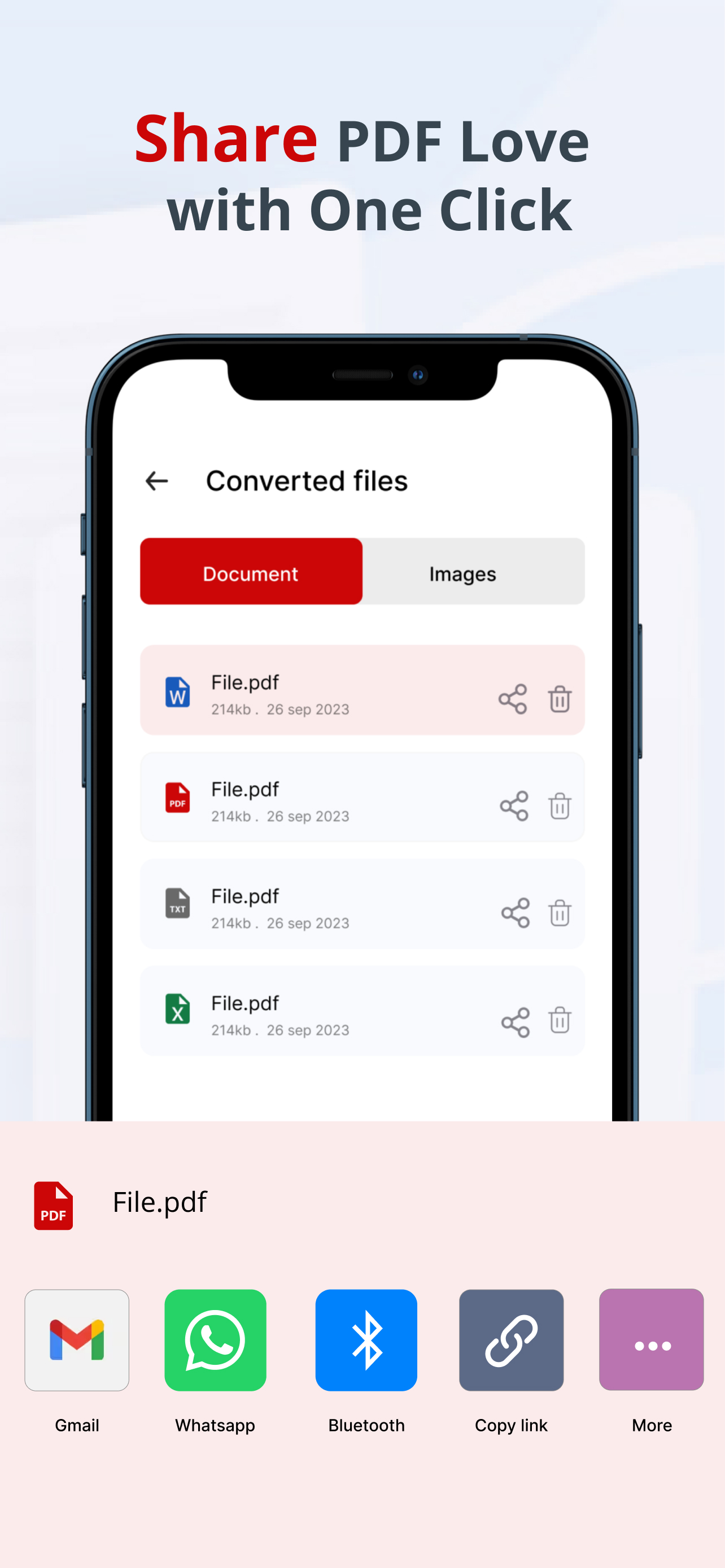
Scan Document or Upload File
Tap on Convert Button after upload
Download your desired file instantly
Free and PRO include the same app features. PRO simply removes ads.
Full access to scanning and PDF tools. Includes ads.
Ad-free experience — same features as Free.
Weekly
$0.99
Billed weekly
Monthly
$2.99
Billed monthly
Yearly
$14.99
Billed yearly
Lifetime
$24.99
One-time payment
Prices shown in USD. Final pricing may vary by region on the App Store. Subscriptions renew automatically unless cancelled in iOS Settings.
Go Ad-Free on App StoreTips, setup guides, and troubleshooting to help you get the best experience.
How to convert Excel to PDF on iPhone in 2026, including why wide spreadsheets get cut off and the Google Sheets settings that fix it when the Excel app can't.
Five free CamScanner alternatives for 2026 with no watermark on exports, compared by account requirements, free OCR, and what each one is best for.
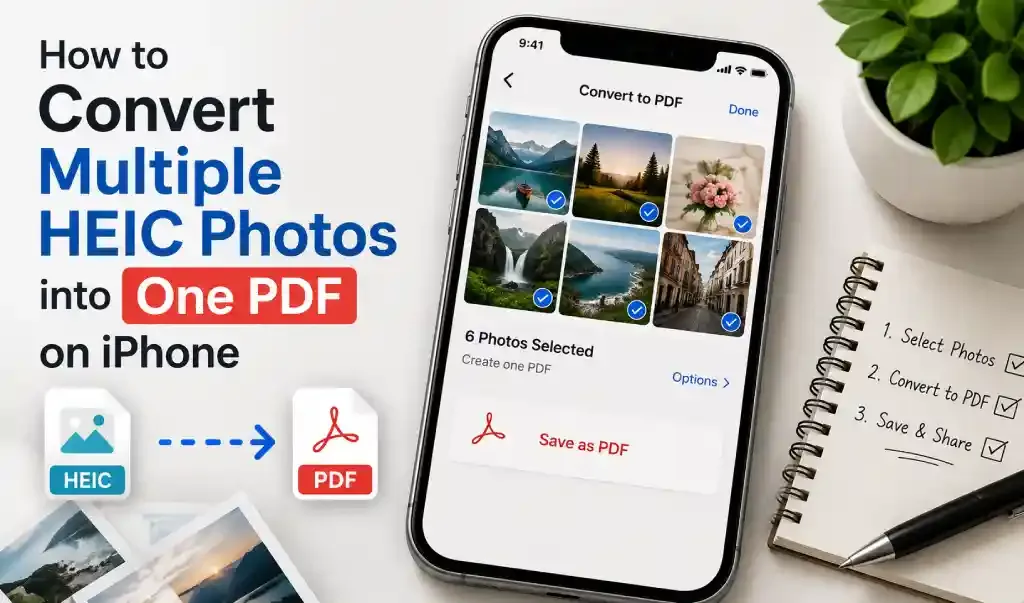
How to combine multiple HEIC photos into one PDF on iPhone using the Photos app, Books, Files, or a converter app, including what actually affects photo order and image quality.
"Super easy to use. I scanned my documents and converted them to PDF in seconds"
Open the scanner, point your camera at the document, and capture it. The app helps you create a clean PDF file in a few taps.
Yes. You can upload HEIC images from your iPhone and convert them to PDF quickly.
Upload your JPG, PNG, or HEIC images, choose PDF, and convert them in seconds.
Yes. You can scan receipts, notes, forms, and documents using your phone camera and save them as PDF.
Yes. All scanning and PDF conversion features are free with ads. PDF Converter PRO is the same app without ads — from $0.99/week, $2.99/month, $14.99/year, or $24.99 lifetime on the App Store.
Yes. You can scan multiple pages and merge them into a single PDF document.
The app supports HEIC to PDF, JPG to PDF, PNG to PDF, Word to PDF, PDF to Word, and multi-page PDF creation.
Yes. The app is built for a simple, quick experience so you can scan and convert files with minimal friction.
Yes. After conversion or scanning, you can save, download, or share your PDF file.
It combines document scanning and PDF conversion in one place, which makes it easier to scan, convert, manage, and share files.
Find answers to common questions about PDF Converter & Scanner App