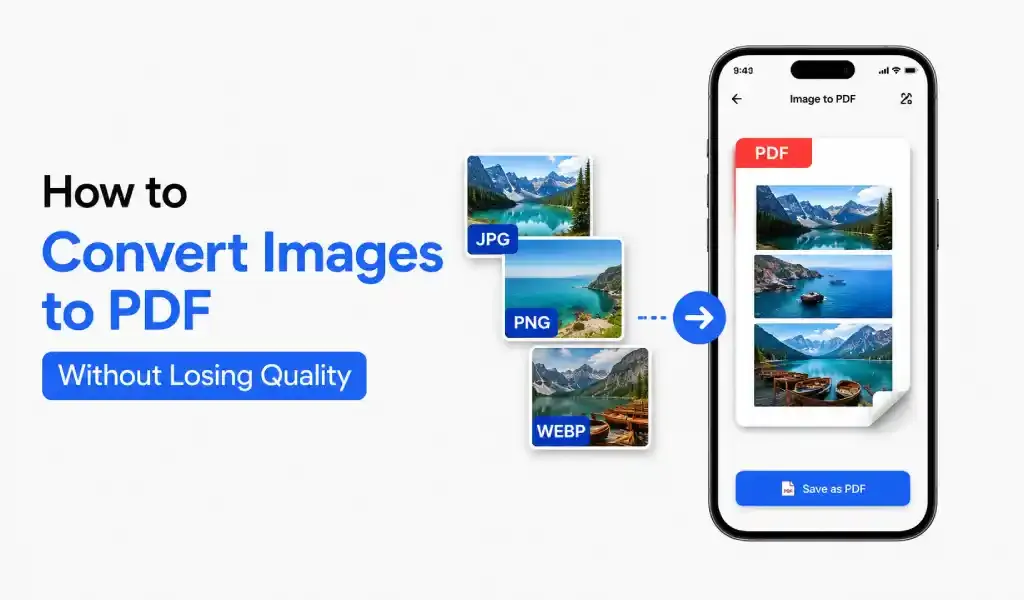
You can convert images to PDF without losing quality by using a high-quality PDF converter, keeping original resolution, and avoiding compression. Always start with clear images and use tools that preserve image sharpness.
Start With Clear Images
Everything depends on your original image.
If the image is blurry, your PDF will also look bad. No tool can fix that completely.
Use good lighting when taking photos. Keep your camera steady. Make sure text is readable before converting.
If you are scanning documents, a document scanner app can help clean edges and improve clarity automatically.
Use a Reliable Image to PDF Converter
Not every image to PDF converter works the same.
Some tools compress images too much. This reduces quality. Text becomes dull. Images lose detail.
Always use a PDF converter that keeps original resolution. It should support formats like JPG to PDF, PNG to PDF, and HEIC to PDF without quality loss.
Many users prefer using one app that handles both scanning and converting. It feels easier and gives better results.
Avoid Compression Settings
Compression is the main reason for quality loss.
When you convert images to PDF, check settings carefully.
Always select:
- High quality output
- No compression (if possible)
- Original image size
These small choices keep your PDF sharp and clear.
Keep Original Size and Ratio
Do not stretch or resize images unnecessarily.
If you change the size, the PDF may look distorted. Text can become unclear.
Always keep the original aspect ratio. This helps maintain natural quality in the final PDF.
Scan and Convert Together
If you scan and convert in different tools, quality can drop.
It is better to use a PDF scanner app that converts files instantly after scanning. This keeps everything clean and consistent.
For example, when you scan a document and convert it to PDF in one place, the result looks more professional. You also save time.
Final Thoughts
Converting images to PDF without losing quality is simple. You just need the right steps.
Use clear images. Choose a good PDF converter. Avoid compression. Keep original size.
If you follow this process, your PDFs will stay sharp, readable, and ready to share