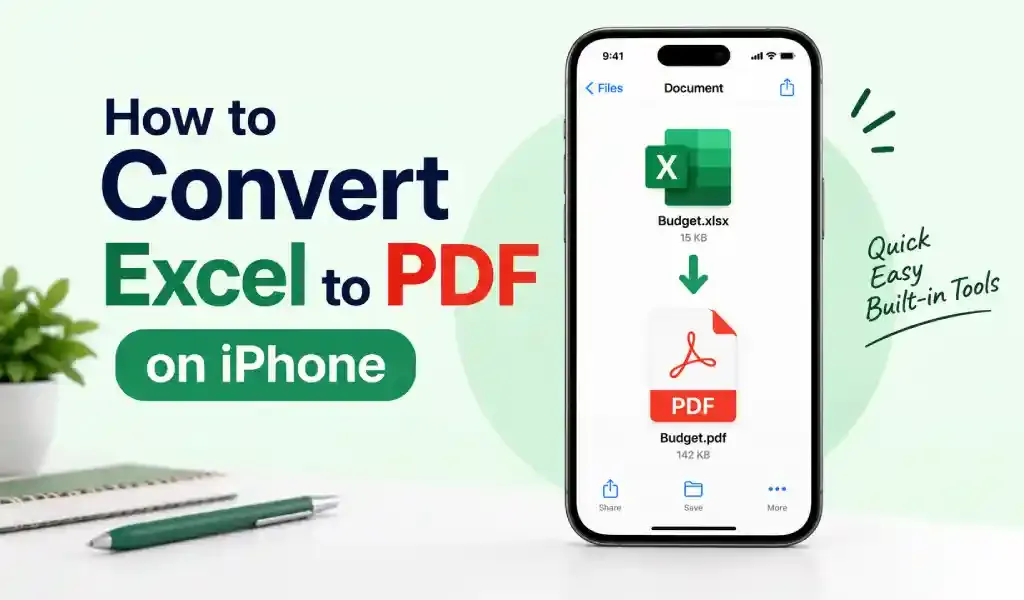
How to Convert Excel to PDF on iPhone
How to convert Excel to PDF on iPhone in 2026, including why wide spreadsheets get cut off and the Google Sheets settings that fix it when the Excel app can't.
September 15, 2026
Tips, setup guides, and troubleshooting to help you get the best experience.
How to convert Excel to PDF on iPhone in 2026, including why wide spreadsheets get cut off and the Google Sheets settings that fix it when the Excel app can't.
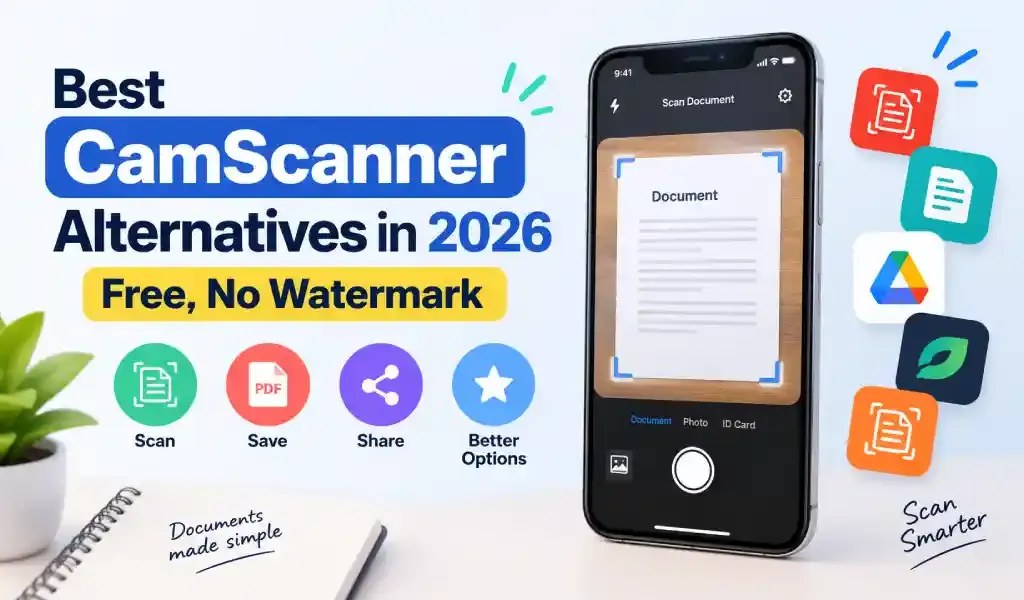
Five free CamScanner alternatives for 2026 with no watermark on exports, compared by account requirements, free OCR, and what each one is best for.
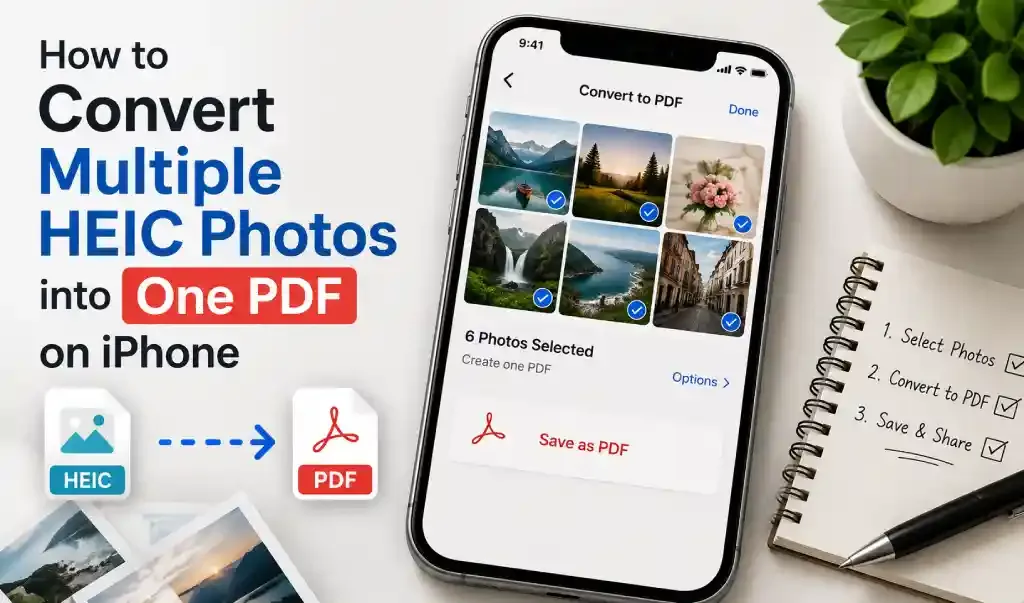
How to combine multiple HEIC photos into one PDF on iPhone using the Photos app, Books, Files, or a converter app, including what actually affects photo order and image quality.
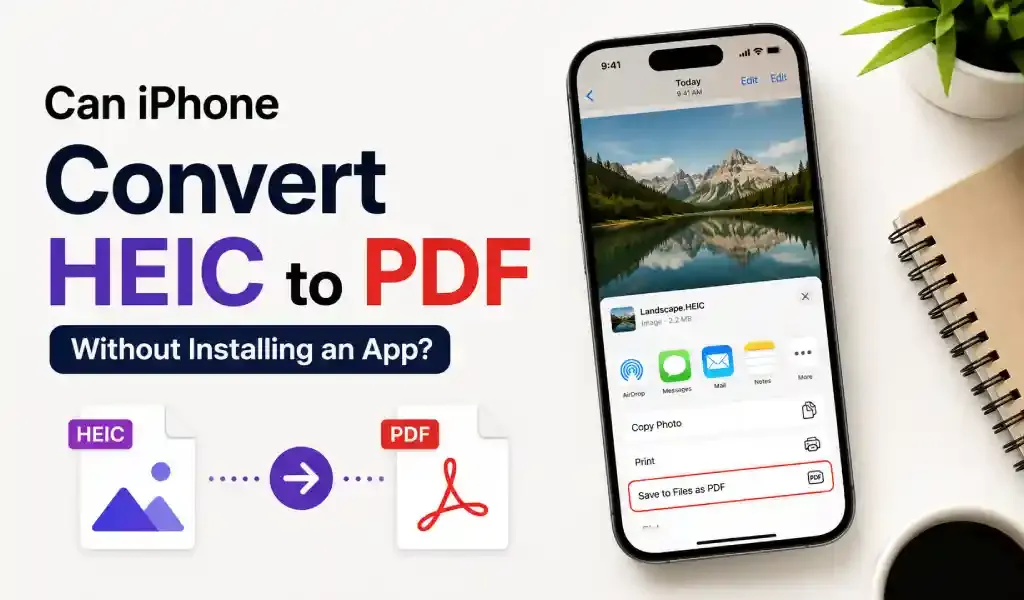
Convert HEIC to PDF on iPhone without installing an app. Learn the easiest built-in methods to save HEIC images as PDFs in just a few steps.
ive ways to convert a Word document to PDF on iPhone in 2026, using Word, the Files app, Shortcuts, Pages, or a converter app for batch files, plus which method to pick and when.
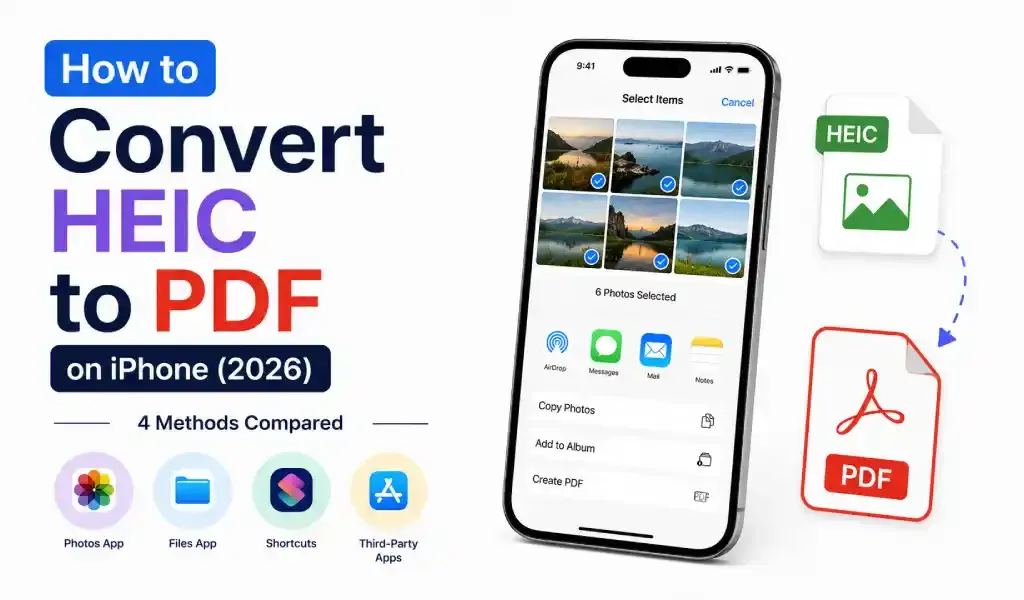
A straightforward comparison of four ways to convert HEIC photos to PDF on iPhone — the Files app shortcut, the Photos print-and-pinch trick, a custom Shortcut, and dedicated converter apps — with clear guidance on which one fits a single photo versus a full batch of scanned documents.
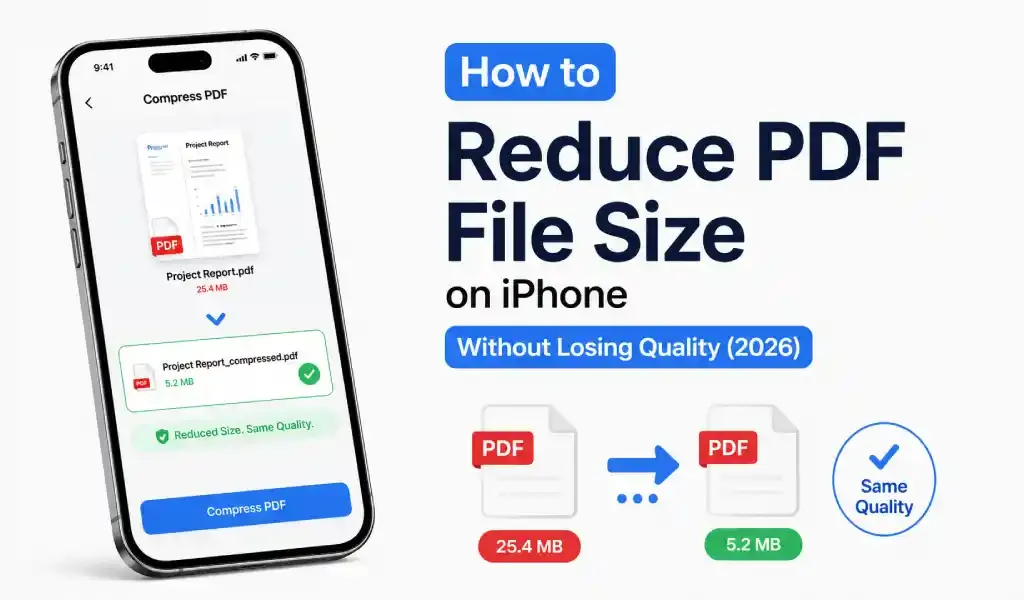
Learn four proven ways to reduce PDF file size without losing quality — grayscale scanning, smart compression, page removal, and safe on-device conversion
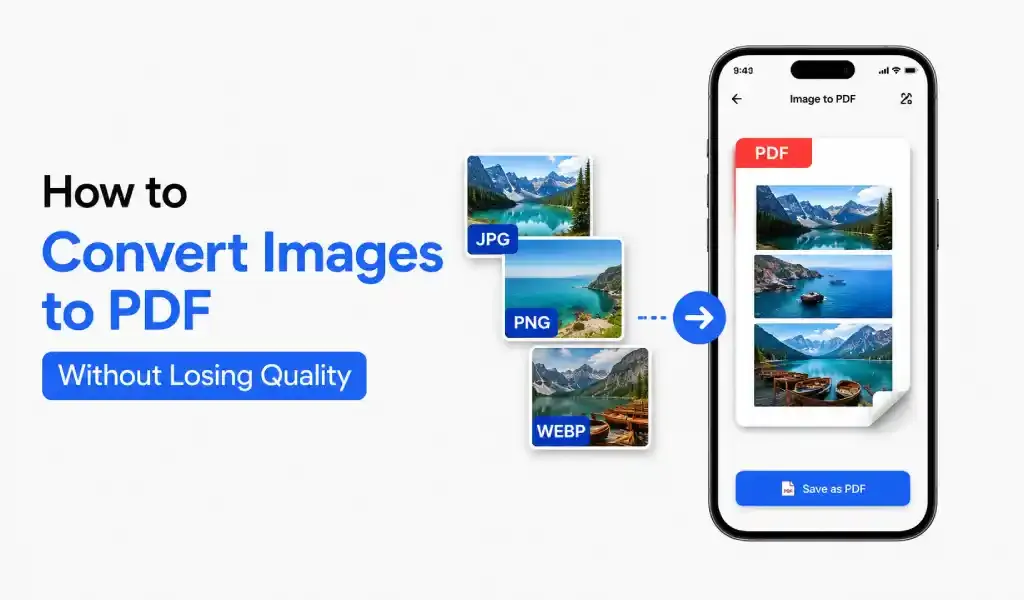
You can convert images to PDF without losing quality by using a high-quality PDF converter, keeping original resolution, and avoiding compression.
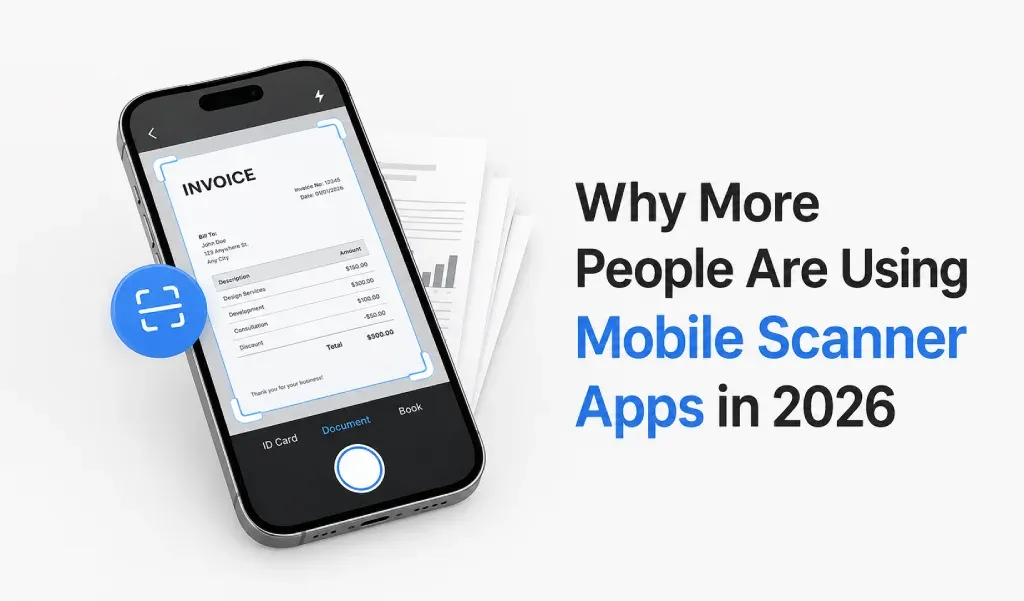
Mobile scanner apps are no longer optional tools. In 2026, they are becoming part of daily life.