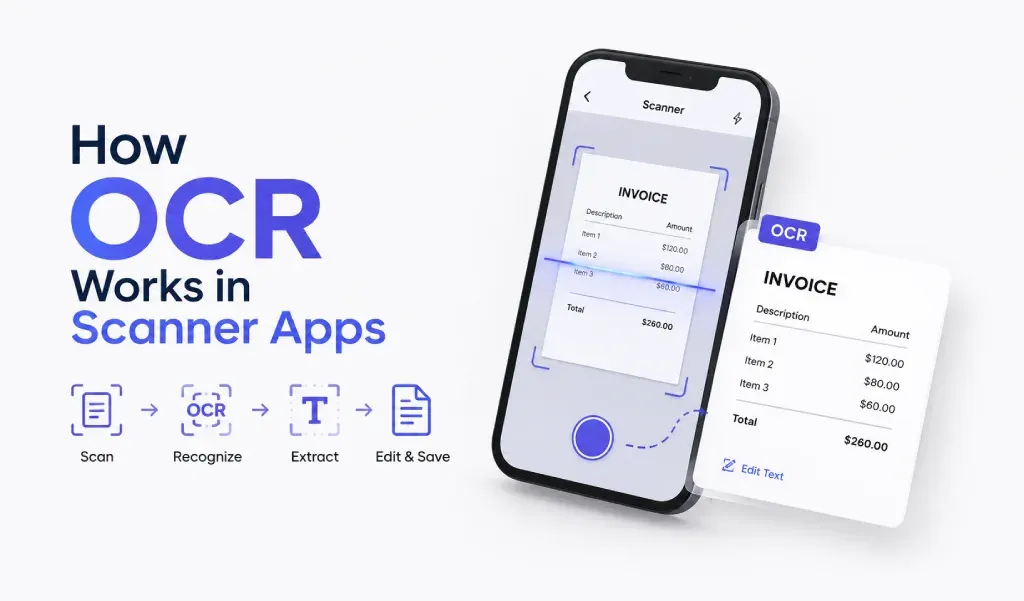
OCR (Optical Character Recognition) is a technology that converts scanned text into editable data. It plays a vital role in PDF conversion by turning scanned documents into useful, editable, and searchable files.
What is OCR?
OCR works by scanning printed or handwritten text from images and converting it into a digital format. It recognizes the characters and translates them into machine-readable text. This process makes your scanned PDFs more than just static images. With OCR, you can easily search for text, copy it, or even make edits within the document.
Why Use OCR?
Using OCR technology in your document scanner app saves time and effort. Instead of typing out information manually from documents, you can simply scan it and let the app extract the text for you. This is especially helpful when converting receipts, notes, or any text-heavy documents into PDFs. With PDF conversion tools like PDF Converter HEIC to PDF, the process becomes even easier, allowing you to turn images into editable, searchable PDFs.
OCR and PDF Conversion
OCR enhances the PDF conversion process by enabling apps to extract text from scanned images. When you scan a document or image, the app uses OCR to convert the content into machine-readable text. This transforms a static image into an editable PDF, giving you more flexibility. For instance, PDF Converter HEIC to PDF allows you to scan documents, extract text, and instantly convert them into high-quality, editable PDFs.
Conclusion
OCR is a powerful tool for anyone who needs to scan and work with documents quickly. It makes PDF conversion more useful by turning scanned images into editable, searchable PDFs. With apps like PDF Converter HEIC to PDF, you can seamlessly scan documents and convert them to PDF in just a few simple steps.