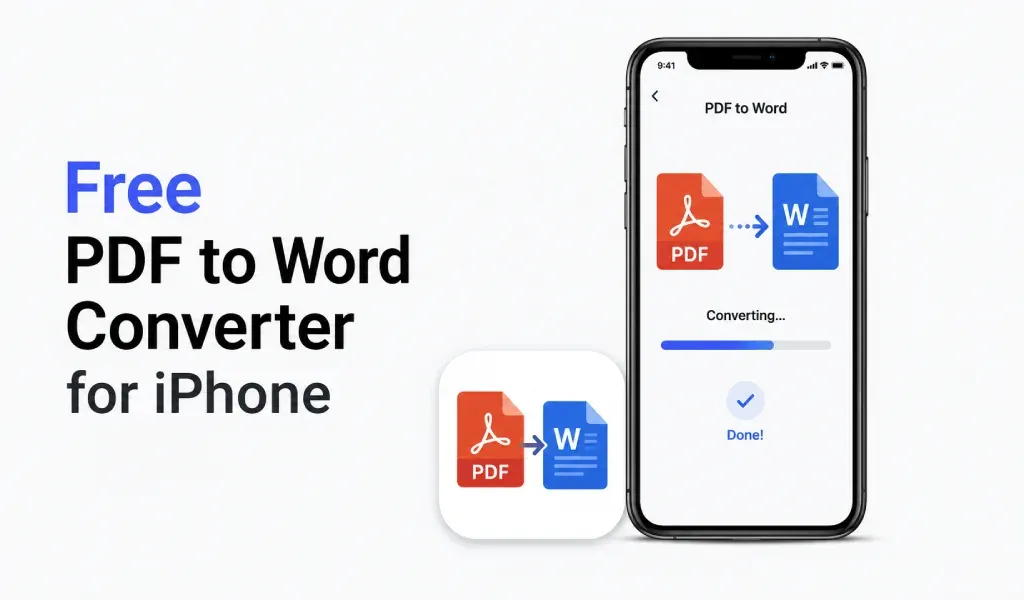
If you are looking for a PDF to Word converter for iPhone, you are not just trying to convert a file. You want to edit it quickly without wasting time.
Most tools make this harder than it should be. You upload a PDF, convert it, and then realize the formatting is broken. If the file was scanned, it often doesn’t even become editable. That makes the whole process frustrating.
Workflow Problem:
The real problem is not conversion. The problem is workflow. In daily use, you don’t just convert files. You scan documents, save them, and later need to edit them. If you are using different apps for each step, you keep repeating the same work again and again.
Advantage of Using a Mobile App
One Stop Solution:
This is where using a PDF converter and scanner mobile app actually helps.
Instead of switching tools, you can scan a document, save it as a PDF, and then convert that same file into Word when needed. Everything stays in one place. You don’t need to upload files again or manage multiple apps. This saves time, but more importantly, it reduces friction.
Another important point is scanned PDFs. Most files people deal with are not digital. They are scanned notes, receipts, or documents. A basic PDF to Word converter fails here because it cannot properly turn scanned content into editable text.
A better setup handles both scanning and conversion together. You scan clearly, and when you convert, the text becomes usable.
Work Speed:
Speed also matters. A proper PDF to Word converter for iPhone should finish the job in seconds. If it takes too long, it slows down your work.
Formatting:
Formatting is equally important. If your headings, spacing, or layout break after conversion, you end up fixing everything manually. A reliable tool keeps your document close to the original so you can start editing immediately.
Final Thoughts:
In real life, the biggest advantage comes from simplicity. When one app lets you scan documents and convert them without extra steps, your work becomes faster and smoother.
At the end, you don’t need multiple tools. You just need a simple way to go from document to editable file without losing quality.
That’s what makes a PDF to Word converter actually useful 👍
Download PDF Converter & Scanner App for Iphone today and manage your documents like a boss.
https://apps.apple.com/us/app/pdf-converter-heic-to-pdf/id6466396481