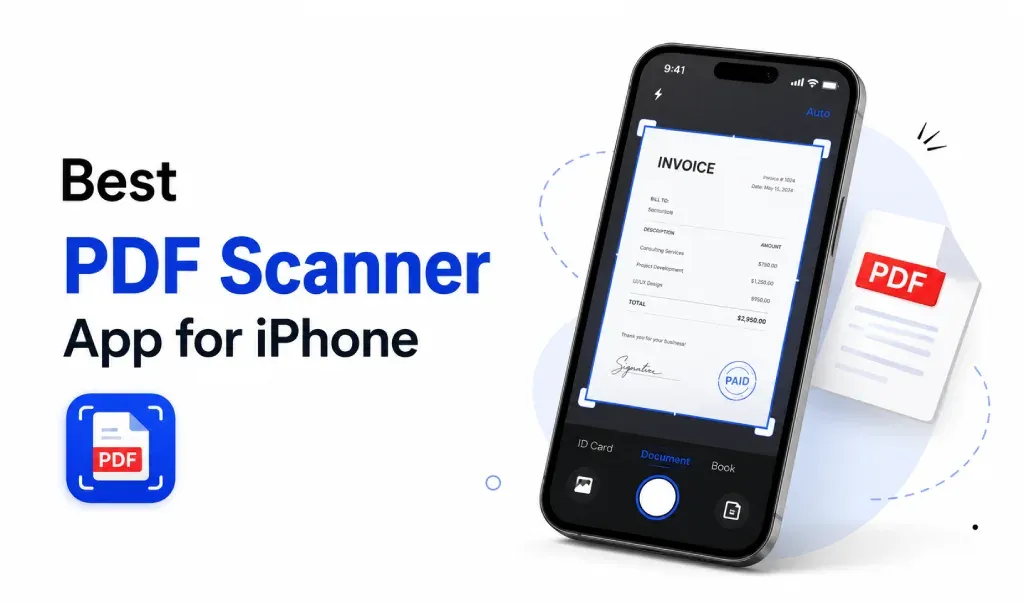
Scanning documents with your iPhone has become very easy. You no longer need a physical scanner. A good PDF scanner app can help you scan, edit, and convert images to PDF in seconds.
But with so many apps available, choosing the right one can feel confusing. Let’s break it down in a simple way.
What Makes a Good Scanner App
A reliable PDF scanner app should be fast and easy to use. You should be able to scan documents with your camera and get a clean result instantly.
Look for features like auto edge detection, image enhancement, and quick export. These features save time and improve quality.
The best apps also allow you to convert images to PDF without extra steps. This is important for students, professionals, and everyday users.
Convert Images to PDF Easily
Many users want more than just scanning. They want to convert photos, screenshots, and documents into PDF files.
A good image to PDF converter lets you upload HEIC, JPG, or PNG files and turn them into a single PDF. This helps when you need to share documents or submit files online.
Instead of using multiple tools, it’s better to use one app that handles both scanning and PDF conversion.
Why iPhone Users Prefer PDF Apps
iPhone cameras are powerful. This makes document scanning very accurate. With the right app, you can scan receipts, notes, or contracts anywhere.
Most people prefer apps that work quickly and don’t require sign-up. A clean interface also makes a big difference.
Some apps also support HEIC to PDF conversion. This is useful because iPhones save photos in HEIC format by default.
All-in-One Solution
If you often scan documents and convert images to PDF, using one simple app can save a lot of time.
For example, an app like PDF converter and scanner lets you scan documents, convert HEIC to PDF, and merge images into one file. Everything works in one place.
This approach feels more practical. You don’t need to switch between tools or apps.
Final Thoughts
The best PDF scanner app for iPhone is the one that keeps things simple. It should scan clearly, convert images to PDF quickly, and work without hassle.
If an app helps you scan, convert, and share files in a few taps, that’s all you really need.
Keep it simple. Choose a tool that saves your time and makes your daily tasks easier.
Download PDF Converter & Scanner app today and enjoy seamless conversion and scanning experience.
https://apps.apple.com/us/app/pdf-converter-heic-to-pdf/id6466396481