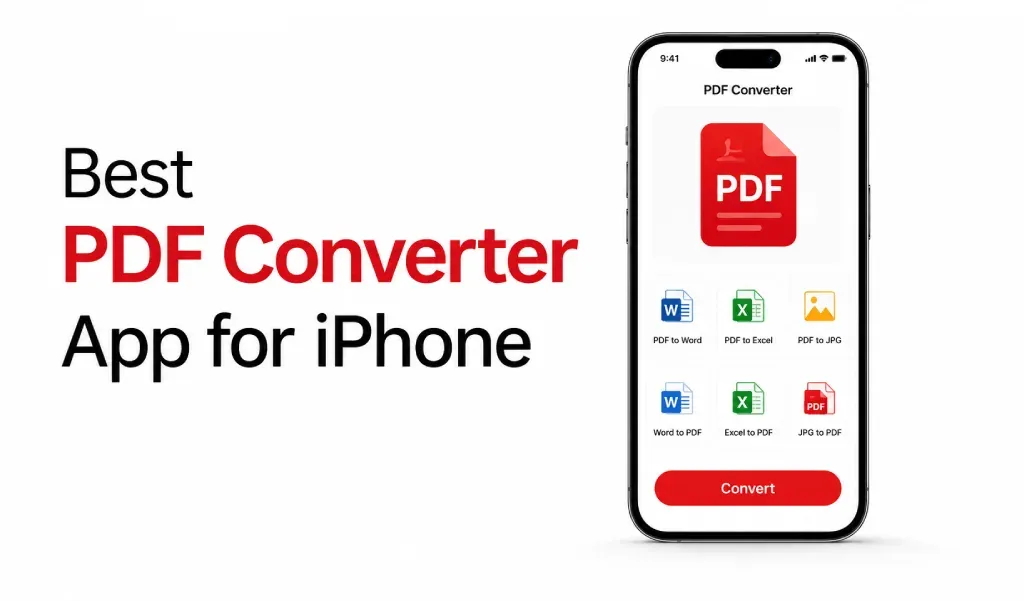
The best PDF converter app for iPhone is one that lets you scan documents and convert images to PDF in seconds. It should be fast, simple, and reliable. You should not have to struggle to use it.
Most people just want to convert photos into a clean PDF and share it quickly. That’s it.
What You Actually Need
In my opinion, a good PDF converter app should save your time. It should not confuse you with too many options. It should follow the simple three step method.
- You open the app.
- You upload images.
- You get a PDF.
That’s the experience users expect.
Make sure the app supports:
The next thing is what type of conversion it supports. For me it must contain:
- HEIC to PDF conversion
- JPG and PNG to PDF
- PDF to word
- Word to PDF
- Txt to PDF
- Xlsx to PDF
- Multiple images in one PDF
- Clear and sharp output
If it does all this smoothly, you’re on the right track.
Image to PDF for Iphone
iPhone photos are usually saved as HEIC files. They look great but are not always easy to share.
That’s why people search for a HEIC to PDF converter. When you convert images to PDF:
- Your files become easy to share
- Documents look more professional
- Multiple photos turn into one file
- Everything stays organized
It’s a small step, but it makes a big difference.
Scanner Makes It Even Better
Now, most users don’t just want a converter. They want a scanner too. You take a picture of a document, the app turns it into a PDF. No extra effort. This is useful for:
- Notes
- Receipts
- Assignments
- Office documents
Some apps combine a PDF scanner and converter in one place. That feels much more natural. You don’t need two apps for one task.
Speed and Quality
Slow apps are frustrating. Low-quality PDFs are worse. A good PDF converter should work fast. It should keep text sharp. It should not ruin your images. You should be able to scan and convert without thinking twice.
Final Words
The best PDF converter app for iPhone keeps things simple. It helps you scan documents, convert images to PDF, and share them instantly.
If one app can handle image to PDF, HEIC to PDF, and document scanning together, it already solves most daily needs. And honestly, that’s what most users are looking for. Something that just works.
Download my favorite PDF Converter now and experience smooth file conversion and scanning in one place
https://apps.apple.com/us/app/pdf-converter-heic-to-pdf/id6466396481