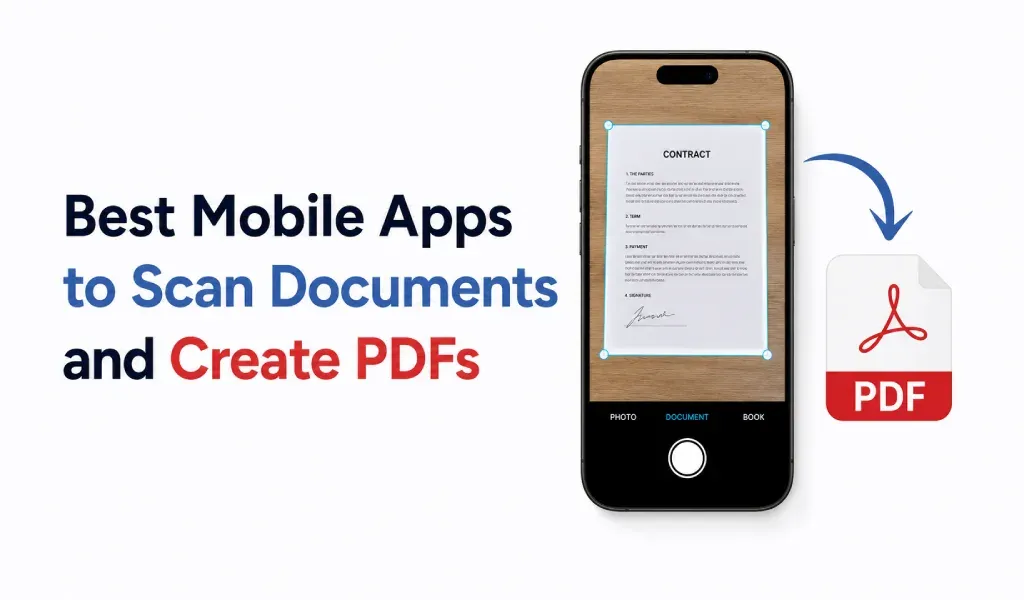
People no longer want bulky scanners for simple tasks. Most users now scan documents, convert images to PDF, and share files directly from their phones.
Here are three mobile apps that stand out for document scanning and PDF conversion in 2026.
1. PDF Converter and Scanner
PDF Converter and Scanner is one of the simplest apps for daily document work. It combines document scanning and PDF conversion in one clean workflow.
Users can:
- scan documents quickly
- convert images to PDF
- create multi-page PDFs
- convert HEIC to PDF
- share files instantly
The app focuses on speed and usability instead of unnecessary features. That makes it useful for students, freelancers, office users, and anyone handling documents regularly.
A major advantage is that users do not need separate apps for scanning and PDF conversion.
2. Adobe Scan
Adobe Scan remains popular because of its strong scan quality and OCR features. It automatically detects document edges and creates clean PDF files.
It works well for:
- contracts
- receipts
- printed documents
- business paperwork
However, some advanced features require Adobe’s ecosystem, which may feel heavy for casual users.
3. CamScanner
CamScanner is still widely used for mobile document scanning. It supports image enhancement, PDF export, and cloud syncing.
Many users prefer it for:
- classroom notes
- handwritten pages
- quick document sharing
The app offers many tools, though some users prefer simpler interfaces with fewer distractions.
Which App Is Best?
The best app depends on what users actually need.
If the goal is fast scanning and smooth PDF conversion, lightweight apps usually provide the best experience.
Most users simply want to:
- scan clearly
- convert quickly
- share instantly
That’s why modern pdf converter and scanner apps continue to replace traditional scanners for everyday document tasks.